
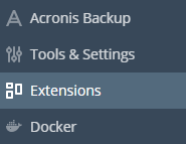
Go onto plesk and click extensions:
Search for plesk migrator:

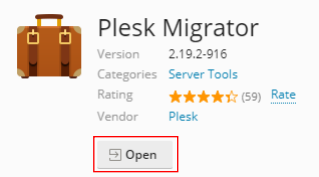
Install it then open it:
Click on start migration:
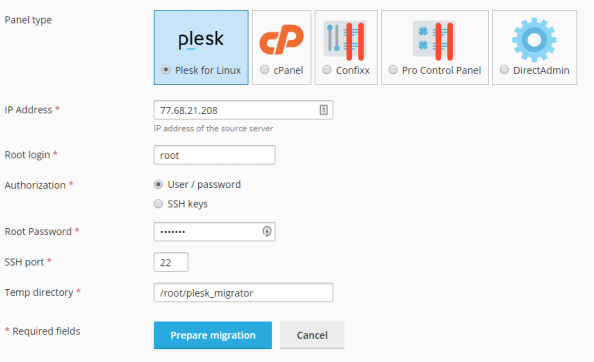
Fill in your old server settings and prepare the migration:
Then select everything you want to move over and click migrate:
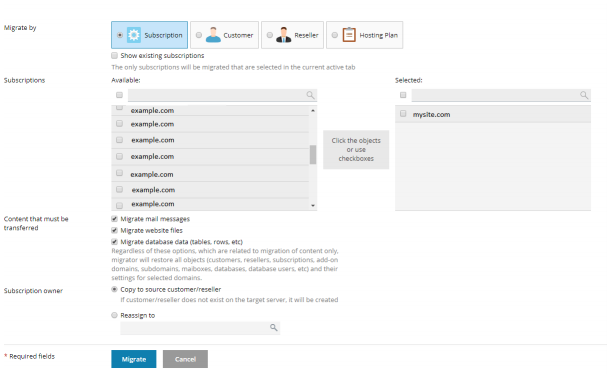
Now it should give you a list of errors, you will need to install some extensions to match it with the old server as best as possible then when you are happy with everything you have done click to rescan then once you are happy start the migration and you will have a page similar to this:
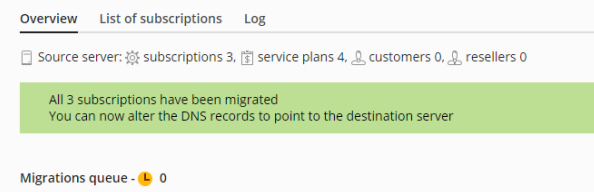
This migration is taking place, wait for this to finish it may take a bit of time. Once done then click finish migration:
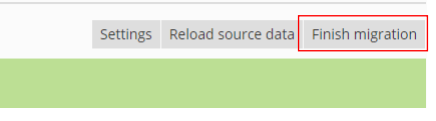
That should be your migration complete now you may just need to do some configuration.