
You own the domain with us and want to use on your server, go to domains and SSL:
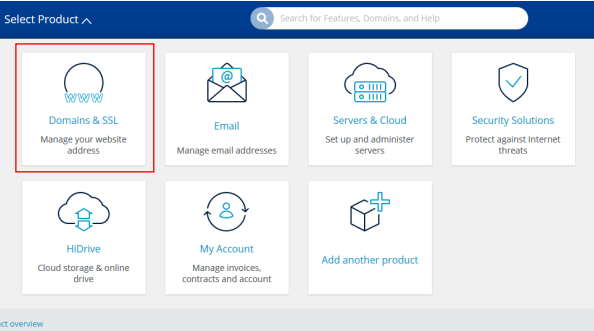
Click on the domain and go to DNS:

Add record:

A record:

Point to domain to the server, hostname @ points to your IP address of the server and save:

Go to plesk and go to domains (this can look one of 2 ways):
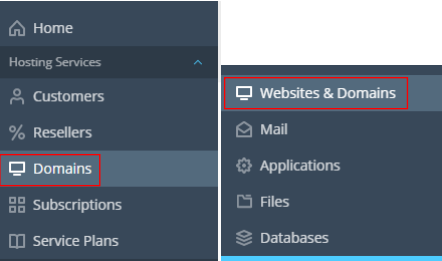
Click add domain:

Fill in the add domain information and tick Secure the domain with Let’s Encrypt if you want to secure it with the plesk SSL. Create a domain user and password:
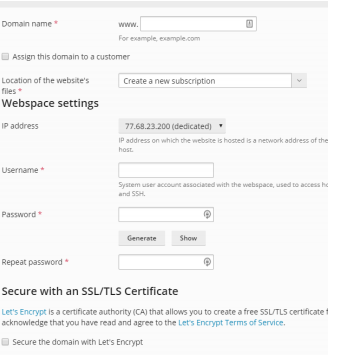
And that is your domain created in plesk.