
Go to the server in control panel click on VNC:

Click start VNC Remote Console:
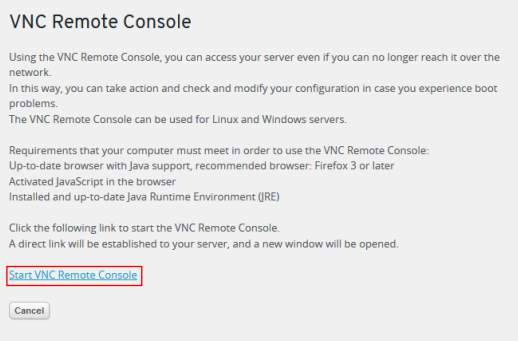
This will open up a new window like this:

Right click and click view page source:

This will open up the page source, not press on your keyboard: Ctrl+f
This will open a find field and type in, password. Here you will have the VNC connection info:

This is the useful information to use.
You have the hostname: xvp.onlinehome-server.info
The port number: 5901
And the password: this will be found where the red box it, but is redacted here for security reasons.
DO NOT CLOSE ANY OF THE TWO WINDOWS OPENED FROM THE VNC PROCESS AS IT WILL CLOSE
VNC
Go to your VNC client, I will use VNC Viewer and input the hostname:port

This will take a few seconds to load, then it will ask for the password:

Put the password in and you will be connected.