
Go to domains and SSL:

Manage SSL:
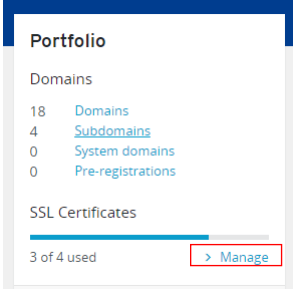
Select the certificate and then choose the domain and select use with my on server:

Download private key:
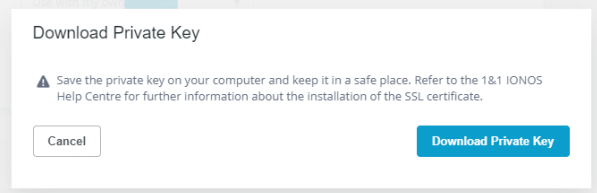
Download the SSL certificate and the Intermediate Certificate:

Head over to plesk and go to the domain and go to SSL/TLS Certificates:

Go to advanced settings (this could be in 2 different places):

Selects add SSL/TLS Certificate:
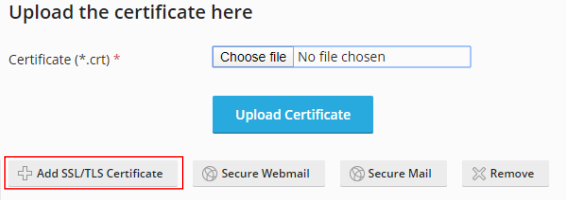
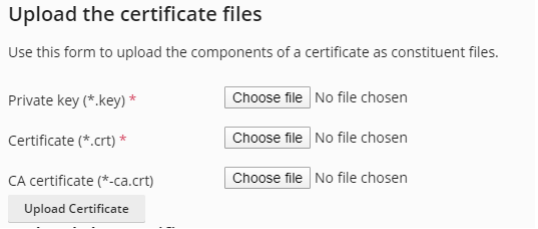
Fill out the relevant details (Name, Domain…) and upload the files (Private key goes in Private key, Certificate goes in Certificate, Intermediate certificate goes in CA Certificate) and upload it:
Go to hosting settings:

Select the certificate you made (tick Permanent SEO-safe 301 redirect from HTTP to HTTPS) and go to the bottom and click continue:

And that is all.