
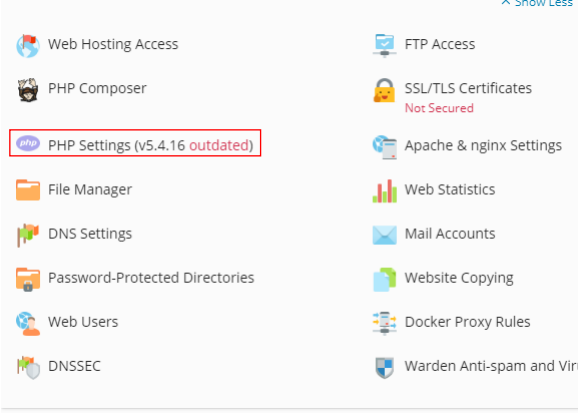
Head over to plesk and click on the domain you have created and select PHP settings:
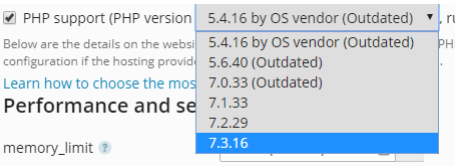
Change the PHP version to the latest version and apply:
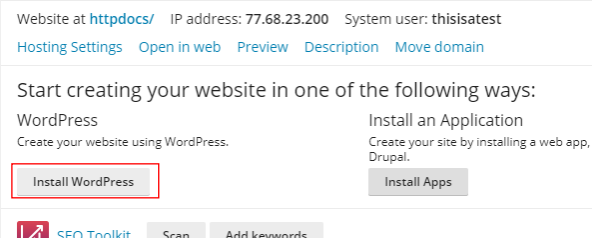
Click install wordpress:
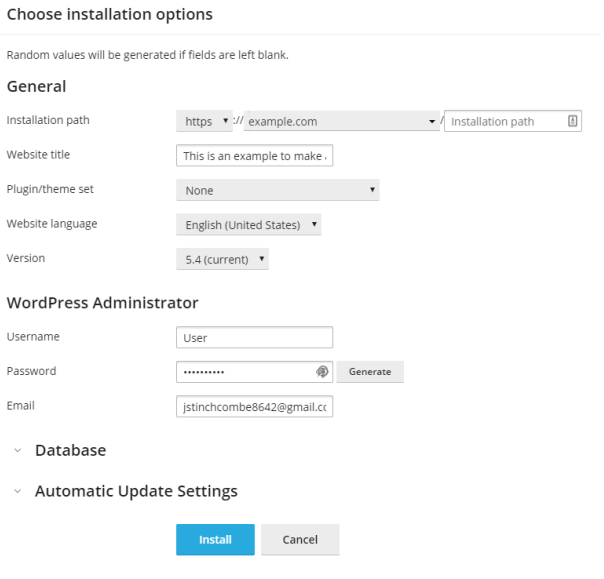
Fill out the information and click install:
Allow the install to run and then it should pop up like the following:
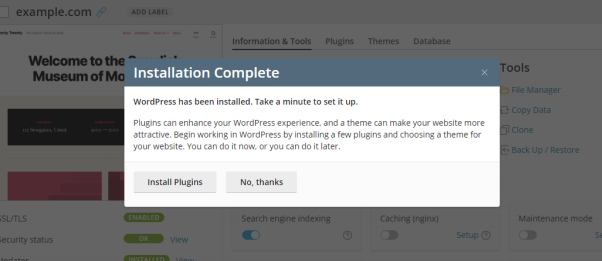
You can install extensions from here or press no thanks and do this later, now to access the wordpress just simply press Log in and it will automatically log you in:
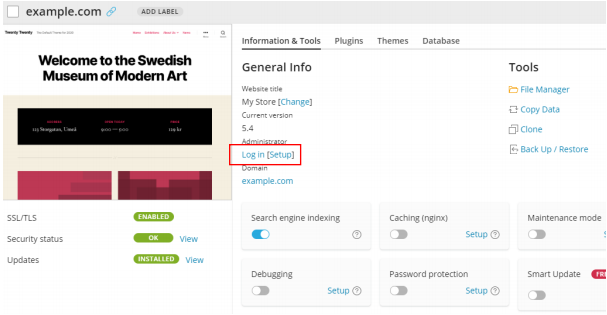
That is your wordpress website installed now you can log in and create the website.